Dennis Jones
eclectic artwork & other random things
Bacon Hair

Several years ago a client told me they really liked the bacon hair I put on all my people…
OctopusLand
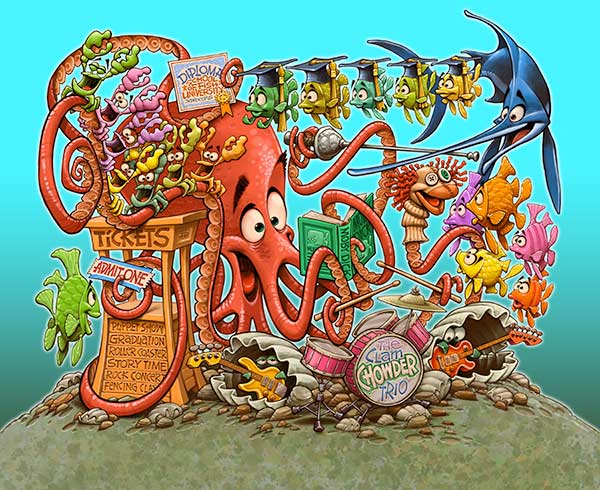
We already have DisneyLand… I thought it might be time for OctopusLand.
I have a WIP set up (work in progress) over on Behance you might be interested in seeing.
A Little Crabby
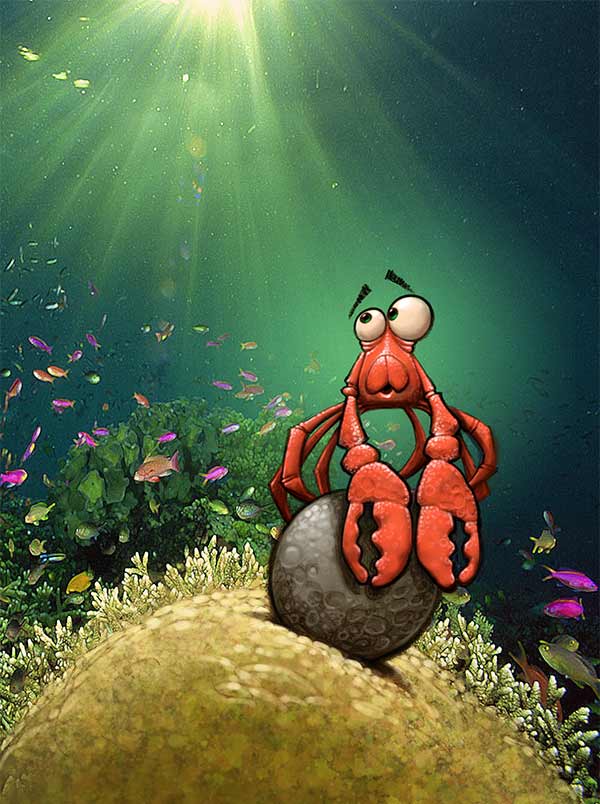
I spent a lot of time away from my studio this summer which is somewhat problematic when you make a living strapped down to a Wacom Cintiq. Fortunately, I was able to pick up a used 12 inch Cintiq at a good price so I could continue to do work while on the road. I was home alone the other night, turned the TV on to a football game, fired up my little Cintiq and this pint sized fellow materialized during the commercials.
Big Hat, Big Opinions
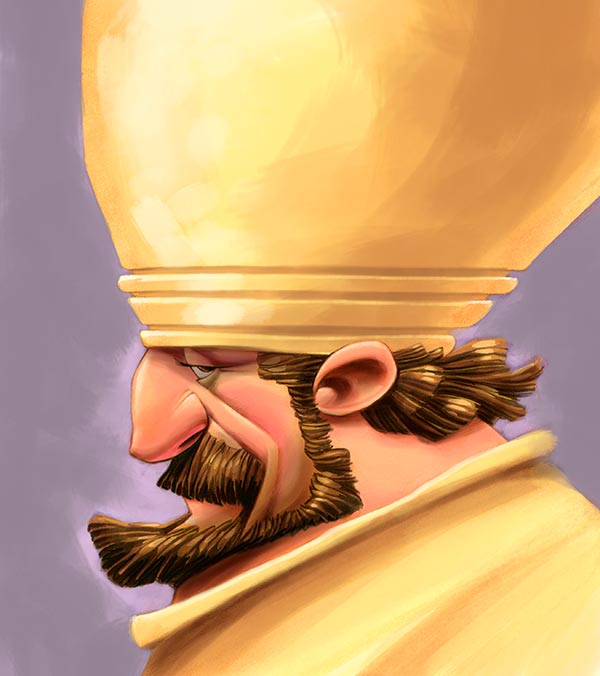
Hey, it’s a guy with a really big hat!
Pirate Crabs… AAarrrgghhh
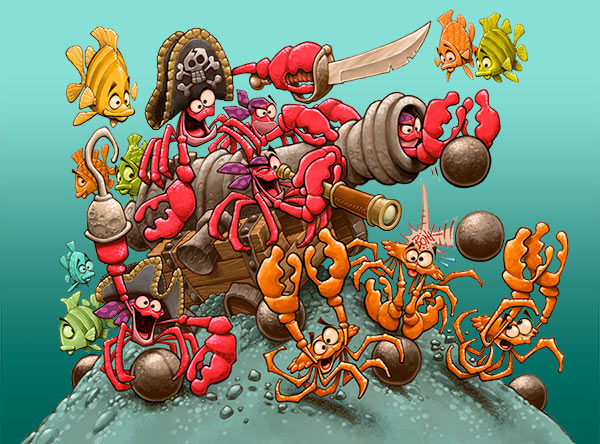
I was recently asked over on Facebook how I came up with ideas, so here is my process on a current project. The assignment; come up with five underwater scenes for a game. The first thing I do is start sketching rough little ideas that pop into my head related to the subject.

The pirate crab looking through a telescope grabs my attention, so I head off in that direction. What can I add to that to create a scene? What sort of underwater props can I use? Well duh, a cannon, of course… and there would need to be a whole band of these crazy pirate crabs… and they have to be pillaging and terrorizing somebody (in a friendly way, of course)… and magically, somehow, the underwater pirate crab scene unfolds beneath my pencil.
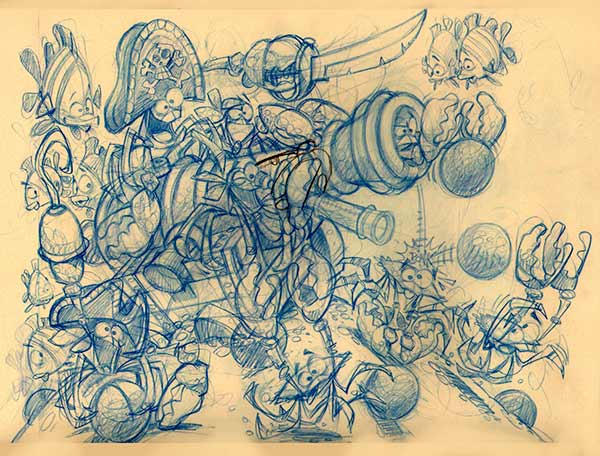
I lay a fresh piece of paper over my blue pencil sketch and using a light table, I create a cleaner pencil drawing to work from.
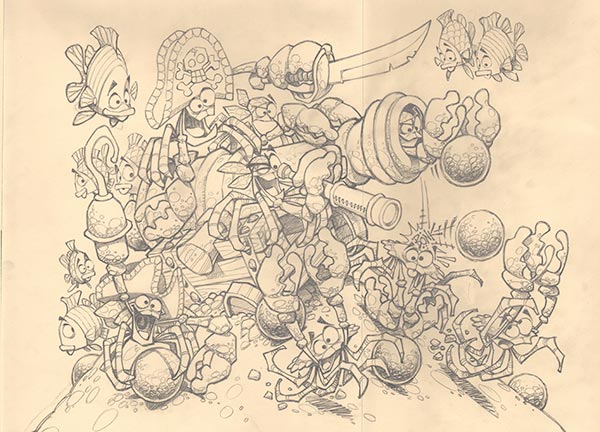
I scan the clean pencil drawing into Photoshop and away we go…
Unfortunately Wacom Finally Made My Dream Tablet

A few years ago when Apple came out with this newfangled device called an iPad, I acquired one just months after it was released. My hope was that it would work as a portable digital sketch pad, and it did… well, sorta… but with no pressure sensitivity on the screen and the somewhat clunky painting apps that were available at the time, I quickly lost interest in painting on an iPad.
I work everyday on a Wacom Cintiq which is a fabulous tool to make art on. I have been hoping for several years that Wacom would jump into the portable device market with some sort of portable Cintiq, and they finally did… and while I have not had a chance to demo the new Wacom Companion, it looks like everything I had hoped and dreamed for…
…unfortunately, then there is the price tag… $2500.00 …ouch. If the Companion was going to be my primary art making device I could easily justify the steep price tag, but for me, I already have a Cintiq, I’m just wanting something to make pictures on during the commercials of an NFL football game… so now I’m thinking iPad again…
Developers have been working overtime trying to come up with an art stylus for the iPad that has some sort of faux pressure sensitivity and I’m seeing new ones hit the market every day. Additionally, developers have been hard at work improving their products and I have been especially impressed with the retooled ProCreate painting app.

All that to say, Wacom finally created the portable digital art pad I have always wanted. Unfortunately, with that steep price tag, I cant justify getting one just so I can occasionally grab it and make a nice picture. On the other hand, I use my iPad every day for everything… so my current plan is to upgrade my iPad (I still have the 1st generation dinosaur), get a fancy new pressure sensitive stylus, and give the iPad one more chance to be my portable digital art tablet.
Yeah, Toast
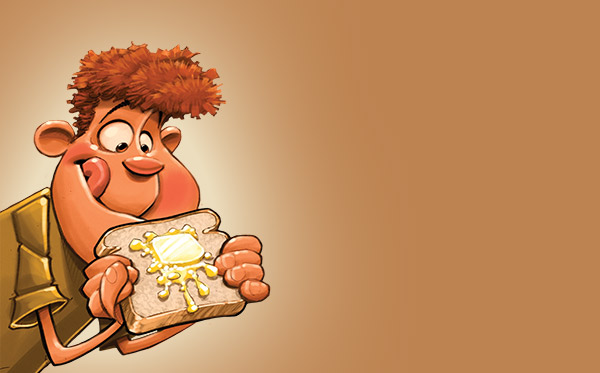
Most every morning for me begins with toast and black coffee, so the Heywood Banks video below is pretty typical of how I start the day…
Beach Pictures 3
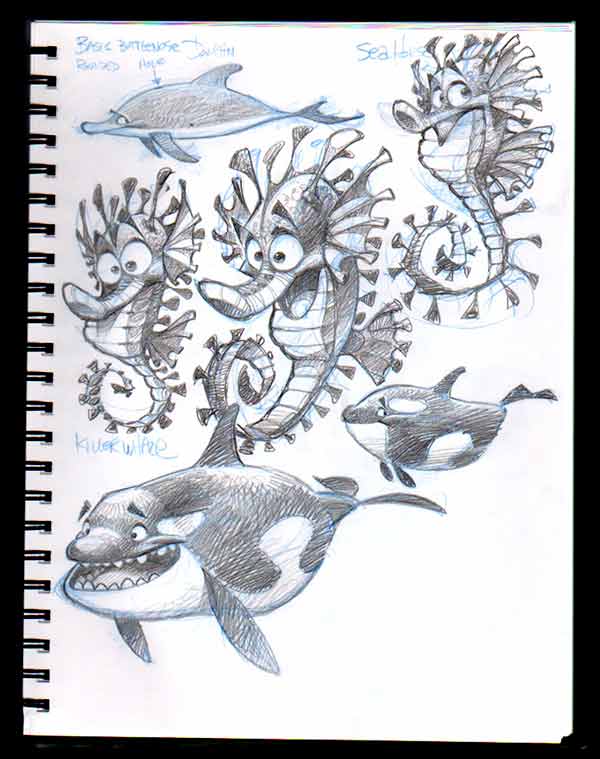
…and another page from my sketchbook. I was trying to figure out a way to inject a little personality into a sea horse.
Beach Pictures 2
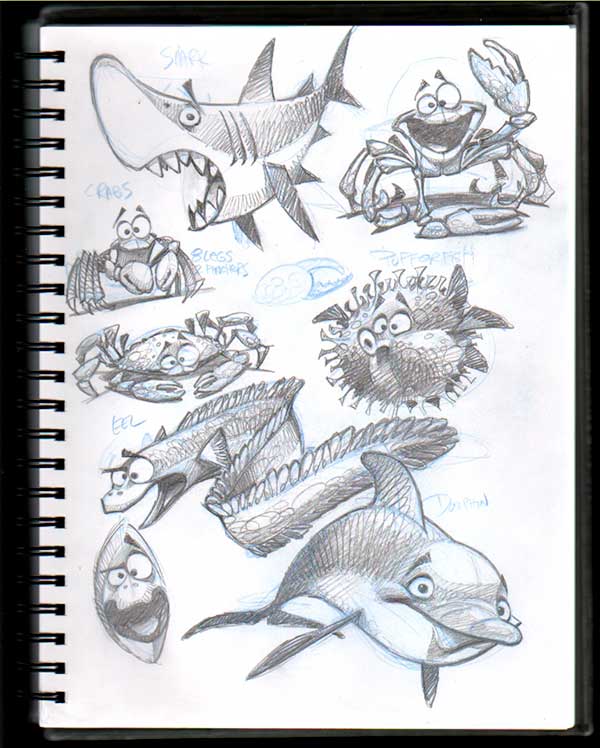
Here is another page of sketches from the beach…
Beach Pictures

…just got back from a week on the beach. I read a couple of books, drew a few pages in my sketchbook, and successfully avoided any and all hurricanes while there.
Simple Animation
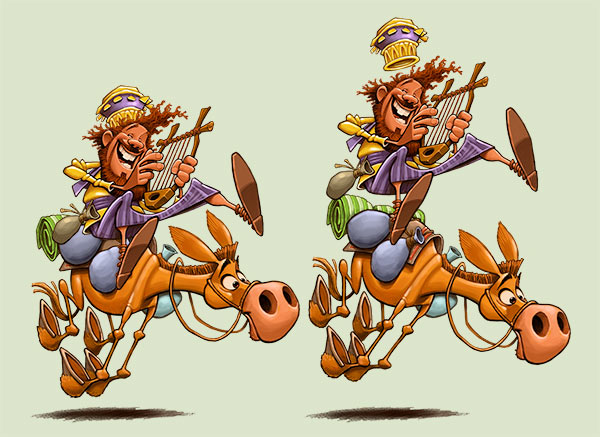
I’m currently putting together some really simple animation for a digital book project.
Nailed It!

One summer during my college years, I helped my Uncle Roy frame walls onto the back porch of his lake house. My cousin Lynn and I got one massive wall done, but the studs were not on 18 inch centers (or something like that) so we had to tear it apart and try it again the next day. That night, we slept outside on the wooden deck, surrounded by the construction mess. It was very windy, really cold and my blanket kept blowing off of me. Around midnight, I grabbed a hammer and pounded ten penny nails into each corner of that very nice quilt, effectively solving the flapping blanket problem. I believe the only thing I successfully nailed down that entire weekend was my Aunt JoAnn’s very nice quilt.
Hockey DefenseMan… er… Moose
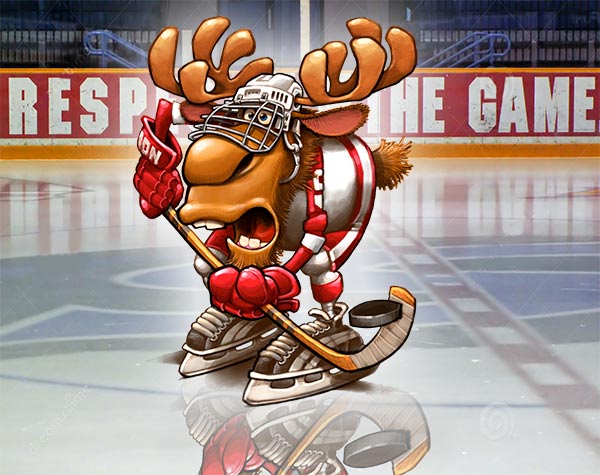
Last season, I was a teammate of a Detroit Redwing loving, hockey playing, defense moose. …no, seriously, I really was …honest.
Even More Kids For The Blog

The kids I draw have either been eating a lot of chocolate or hanging out at the coffee shop… one way or the other, heavily caffeinated.
More Kids For The Blog

As an illustrator, my job is to create illustrations that fit in and around type. Over the years, I’ve been given some pretty odd shapes to fill with a picture. I did these four kids a while back and apparently they are each supposed to fit inside a square.
BIBLICAL PORTFOLIO


EPIC FANTASY PORTFOLIO


FANTASY ANIMAL PORTFOLIO


VEHICLES PORTFOLIO


SPORTS PORTFOLIO


HISTORICAL PORTFOLIO


RANDOM PORTFOLIO


CREATURES PORTFOLIO


 Dennis Jones