Dennis Jones
eclectic artwork & other random things
Mike And Mike In The Morning
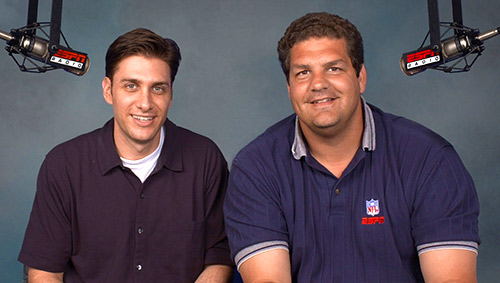
Mike And Mike is a sports radio show that I listen to on most mornings. Mike Golic is a former NFL lineman, so he’s a pretty big guy. His partner Mike Greenberg is NOT a former NFL lineman so he’s a smaller sort of guy. Together they combine to do a really entertaining talk show.
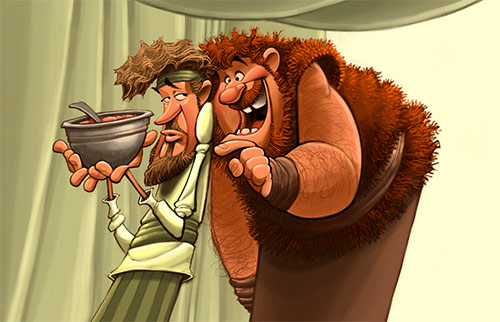
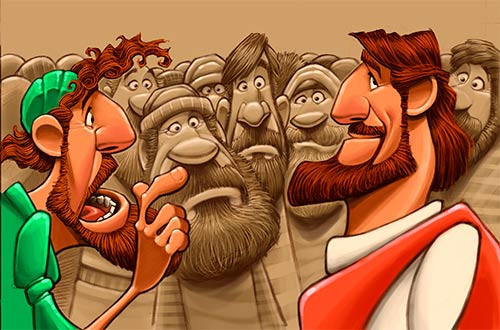
I do a lot of Biblical artwork. Since I have no idea what these Biblical people actually looked like, my job is to come up with plausible looking characters to represent them. I recently worked on a series of pictures about Jacob (an indoor, hang around the house sorta guy) and his brother Esau (a big, hairy outdoor kinda guy). As I was trying to figure out what these two should look like, Mike and Mike was playing on the radio in the background. Then it hit me, Jacob and Esau would probably look a lot like Mike Golic And Mike Greenberg. So this is my Mike And Mike inspired Jacob and Esau picture.
Mello Yellow

One of the smaller sized characters I created for the board game I’m currently working on. As this project moves closer to a publishing date, I can share more information about it.
Doctor Luke
Another process video of something I did recently. Basically just blocking in color underneath the drawing and then putting finishing touches in on top of it.
Lizard King
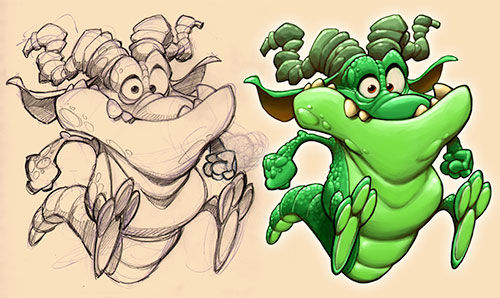
One of the medium sized characters for the board game.
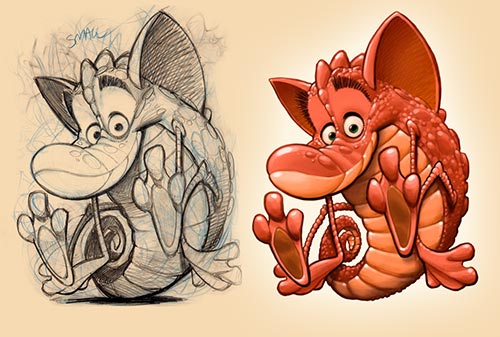
Sea Monkeys
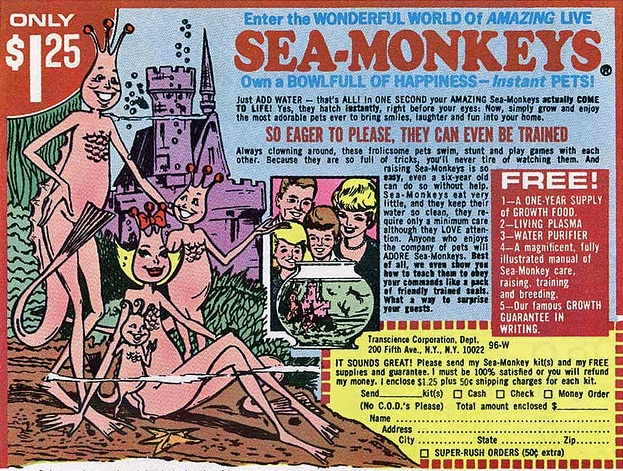
When I was a kid I loved comic books and those old comic books had some pretty interesting ads in them. You could buy a 7 foot long Polaris submarine that fired rockets and torpedoes for only $6.98, real x-ray vision glasses for $1.98, a darling pet monkey for $18.95 and all sorts of other valuable items… but the thing that fascinated me most were the Sea Monkeys.
For only $1.25 you could enter the wonderful world of Amazing Live SEA MONKEYS!! As the ad in the comic book said, Own A Bowlful Of Happiness – Instant Pets!! The picture showed a happy family of some sort of pink sea people. According to the ad, Sea Monkeys were always clowning around, doing stunts and playing games with each other, AND, because they were so full of tricks, you would never tire of watching them, AND (as if all that were not enough), they would even show you how to teach them to obey your commands like a pack of friendly trained seals!!
I was crushed to later find out that Sea Monkeys were actually microscopic brine shrimp that usually died in about a week. When I designed this character for the board game I’m working on, I pretty much built a prototype of what I think a good solid Sea Monkey aught to look like.
RedWood Rider
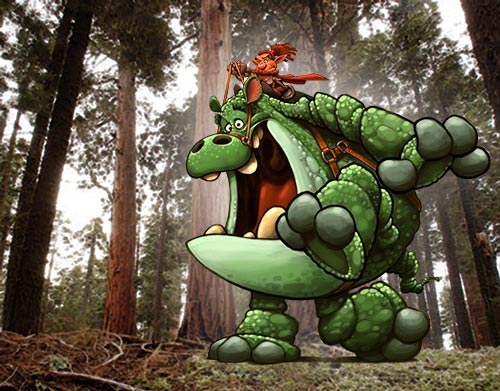
I wanted to get a size relationship on one of these creatures I created, so I tossed a guy on his back and put him next to a stand of redwood trees.
Big Brother

Another creature from the board game I’m working on. This is one of my big guys. I think gamers refer to fellows like this as “tanks”.
Little Red Robbing Hood

Another one of the animals I came up with for the board game I’m working on. There will be four little teams of varmints with three characters on each team. I decided there should be a small, medium and large creature on each team. Here is one of the small animals I came up with.
Frequent Flyer Fryer
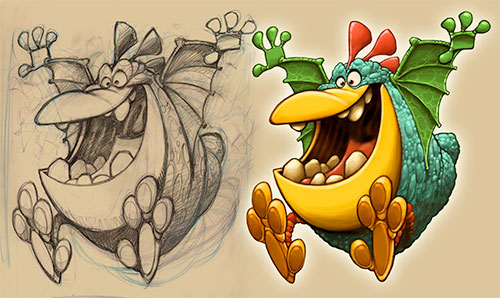
Here is another one of the characters I came up with for the board game I’m working on. Kind of a flying chicken I guess…
Green Jumper
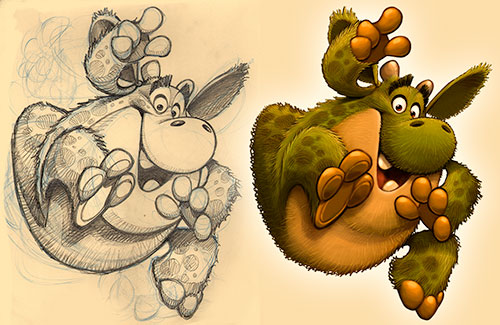
I am currently working on a really fun project. It is a boxed board game and part of the project calls for me to developing twelve wacky looking animals. My client has graciously said that I could share some of this work here on my blog, so here is one I just finished up.
Fool Proof
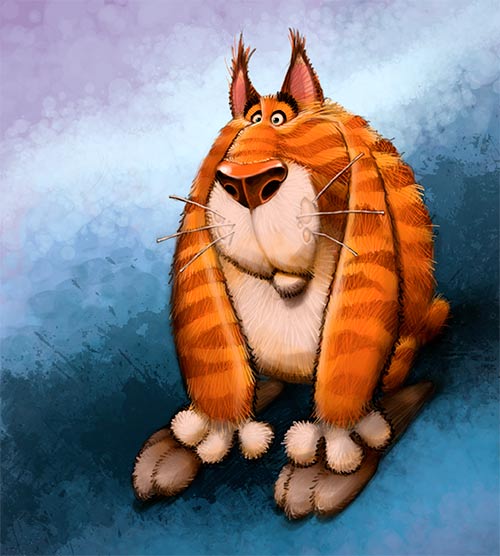
Nothing is foolproof to a sufficiently talented fool.
A Really Quick Dog Video
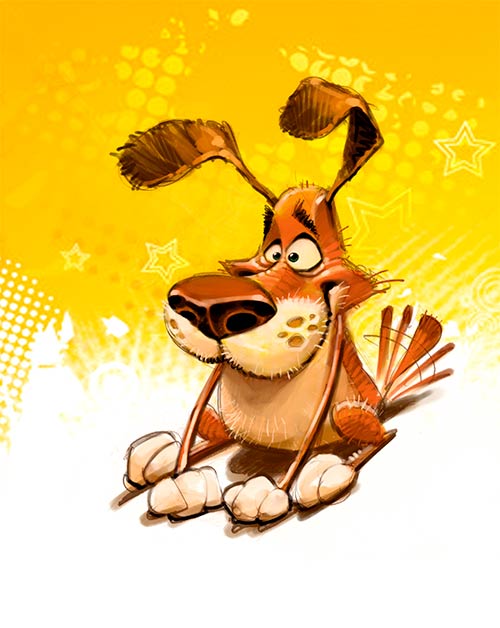
Here’s another simple technique you might want to try. Find a nice background image, put it underneath your pencil drawing and then paint on top of it…
Flying The Coop
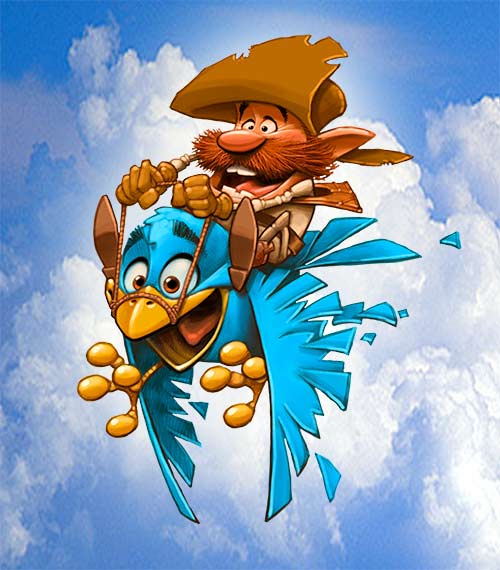
This is for my friends on YouTube who continue to send me kind letters asking what my work process is.
This picture started out as a doodle in my sketchbook. I scanned it into Photoshop, (CS6), made it a multiply layer and began blocking in color on a normal layer underneath. When I get the mid and darker values established, I create a normal layer above the line art and put in the lighter values. At the very end I add just a little black line but not too much… too much black will kill the picture. I merge all the layers together, then create a green layer underneath the art. I erase everything I dont want on the art. As I do this, the green layer underneath helps me to see what I am doing. My image is cut out and now I need a background. I type into Google “blue sky” and find some clouds which I drop into the background. I add just a bit of glow around my figure to separate him from the background and I’m done.
Crowd Control
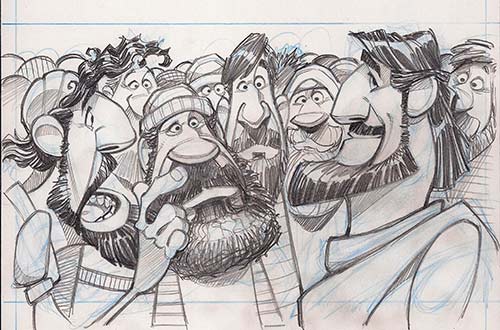
Color can be a tricky thing to work with. Lots of out of control color can confuse what you are trying to achieve in an illustration. This is a simple technique to keep order when you have a lot going on in a picture. Render the background in a monotone and only use color on what you want the viewer to focus in on. It pretty much works every time.
Almost Too Fabulous For Words

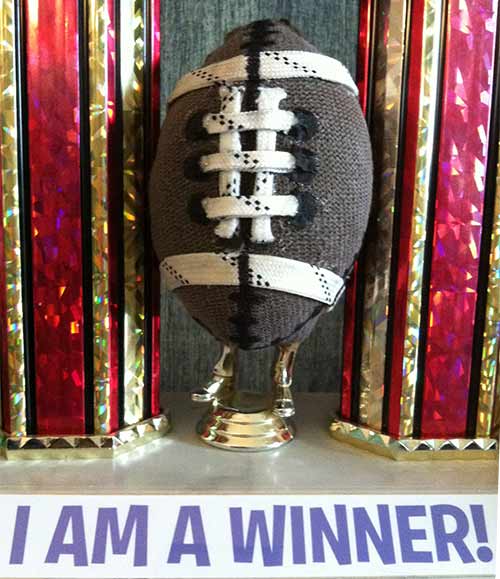
The National Tackle Football League starts this Wednesday night and being the procrastinators we Jones’s are, the draft for the Annual Jones Family Fantasy Football League will be held on Tuesday, the night before. This season is even more exciting as the winner gets this fabulous, hand crafted with goodness, AWFFL TROPHY! The victor can proudly proclaim all year long that yes, I am indeed a winner… and yes, the football on the trophy does have golden feet.
BIBLICAL PORTFOLIO


EPIC FANTASY PORTFOLIO


FANTASY ANIMAL PORTFOLIO


VEHICLES PORTFOLIO


SPORTS PORTFOLIO


HISTORICAL PORTFOLIO


RANDOM PORTFOLIO


CREATURES PORTFOLIO


 Dennis Jones